# Cloud Data Logging with Raspberry Pi
[Raspberry Pi](https://www.raspberrypi.org/) is a credit-card-sized single-board computer. Because it is low-cost and easy to equip with various types of sensors, using Raspberry Pi as a cloud data logger is one of its ideal use cases.
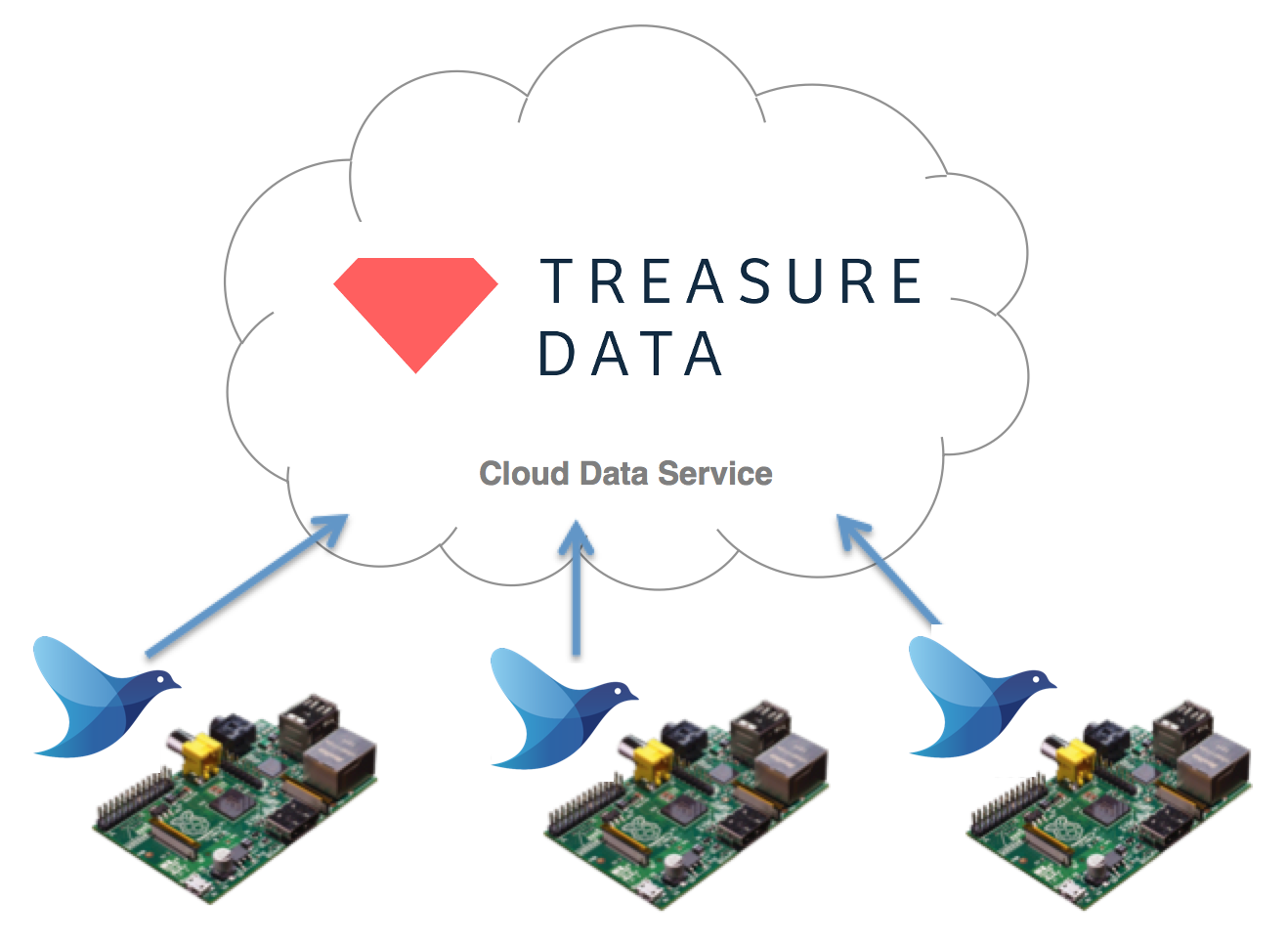
This article introduces how to transport sensor data from Raspberry Pi to the cloud, using Fluentd as the data collector. For the cloud side, we'll use the [Treasure Data](https://www.fluentd.org/treasuredata) cloud data service as an example, but you can use any cloud service in its place.
## Install Raspbian
[Raspbian](http://www.raspbian.org/) is a free operating system based on Debian, optimized for the Raspberry Pi. Please install Raspbian on your Raspberry Pi by following the instructions in the blog post below:
* [Getting Started with Raspberry Pi: Installing Raspbian](https://www.andrewmunsell.com/blog/getting-started-raspberry-pi-install-raspbian)
## Install Fluentd
Next, we'll install Fluentd on Raspbian. Raspbian Stretch with desktop and recommended software bundles Ruby 2.3.3 by default, but we need the extra development package to install Fluentd:
```text
$ sudo aptitude install ruby-dev
```
We'll now install Fluentd and the necessary plugins:
```text
$ sudo gem install fluentd
$ sudo fluent-gem install fluent-plugin-td
```
## Configure and Launch Fluentd
Please sign up to Treasure Data from the [sign up page](https://console.treasuredata.com/users/sign_up). Its free plan lets you store and analyze millions of data points. You can get your account's API key from the [users page](https://console.treasuredata.com/users/current).
Please prepare the `fluentd.conf` file with the following information, including your API key:
```text
@type tdlog
apikey YOUR_API_KEY_HERE
auto_create_table
@type file
path /home/pi/fluentd/td
@type http
port 8888
@type forward
```
Finally, please launch Fluentd via your terminal:
```text
$ fluentd -c fluent.conf
```
## Upload Test
To test the configuration, just post a JSON message to Fluentd via HTTP:
```text
$ curl -X POST -d 'json={"sensor1":3123.13,"sensor2":321.3}' \
http://localhost:8888/td.testdb.raspberrypi
```
NOTE: If you're using Python, you can use Fluentd's [python logger](../language-bindings/python.md) library.
Now, access the databases page to confirm that your data has been uploaded to the cloud properly.
* [Treasure Data: List of Databases](https://console.treasuredata.com/databases)
You can now issue queries against the imported data.
* [Treasure Data: New Query](https://console.treasuredata.com/query_forms/new)
For example, these queries calculate the average `sensor1` value and the sum of `sensor2` values:
```text
SELECT AVG(sensor1) FROM raspberrypi;
SELECT SUM(sensor2) FROM raspberrypi;
```
## Conclusion
Raspberry Pi is an ideal platform for prototyping data logger hardware. Fluentd helps Raspberry Pi transfer the collected data to the cloud easily and reliably.